

Onboarding Roadmap
Step One:
Check Your Inbox & Set Up Accounts
One week before the start of school, the primary parent/guardian will receive an email with temporary username and secure setup links.
To do:
- Log into the PowerSchool Parent Portal to verify and update your family contact details.
- Register your Parent/StudentSquare account — our primary daily messaging channel.
- Watch for your student’s Schoology login, arriving shortly after.
Platform reference:
- PowerSchool — student information system (contact info, attendance).
- Parent/StudentSquare — primary messaging tool for emails, texts, updates.
- Schoology — online platform for schedules, courses, grades.

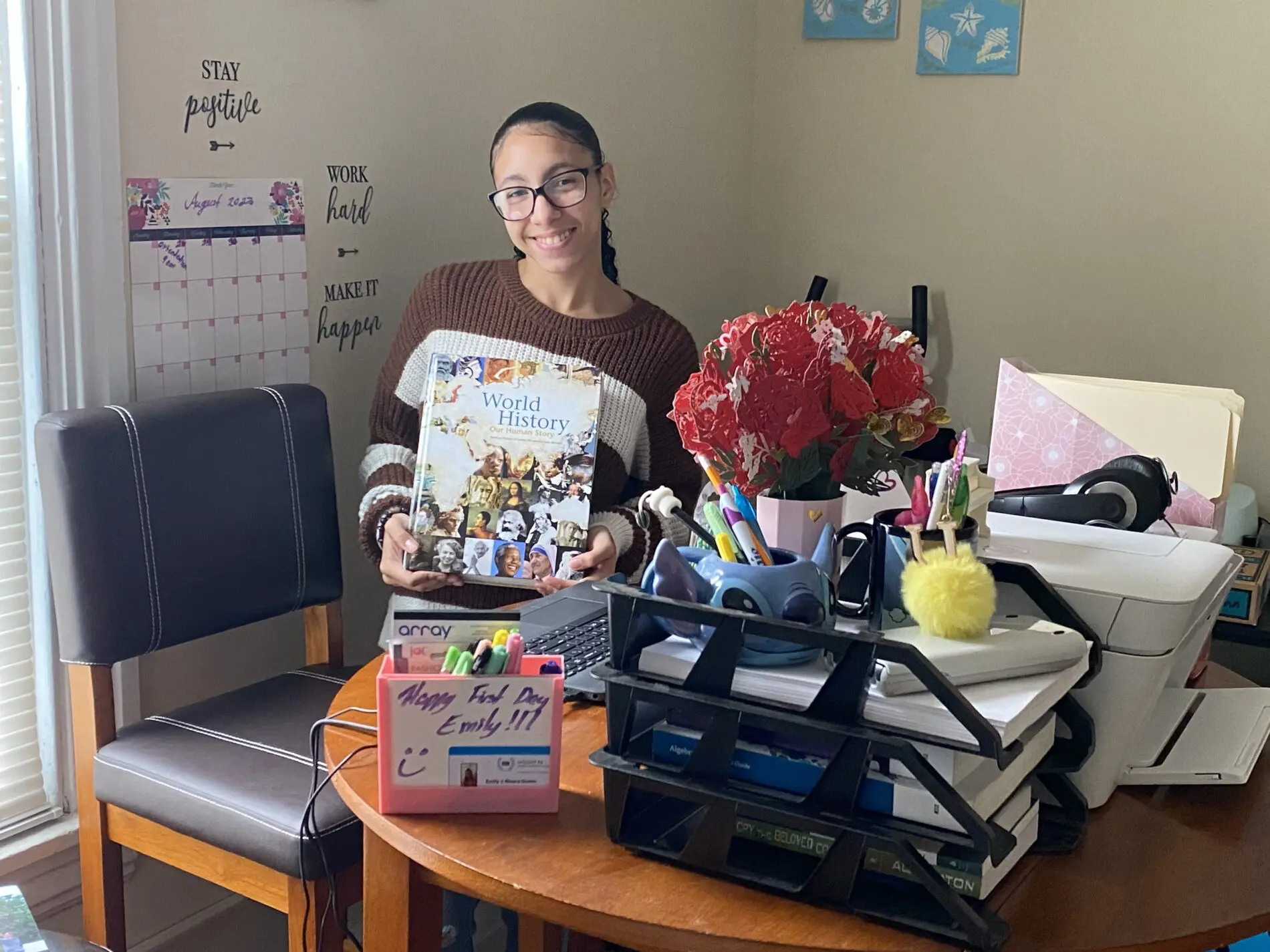
Step Two:
Unbox & Set Up Your School Technology
Insight PA provides essential hardware for learning. Your student’s laptop, charger, and grade-appropriate materials ship directly to your home.
Computers typically ship 5 – 7 days prior to your student’s start date. You will receive tracking information via email.
To do:
- Unbox the laptop and connect it to your home WiFi.
- Power it on and let system updates install — leave it plugged in for at least 30 minutes.
- Test that the webcam and microphone work correctly.
If you need to change your address, email changeofaddress@insightpaschool.org
Step Three:
Complete Your Mandatory Orientation
Before live classes begin, all newly enrolled students and a parent/guardian must attend orientation.
To do:
- Log into Google Chrome using your Insight PA students credentials.
- Log into PowerSchool using Single Sign On (SSO) to view your first day class schedule.
- Log into Schoology using Single Sign On (SSO) on your first day to access links to each class session.
View the newsletter sent by your Principal in ParentSquare/StudentSquare for all first day instructions and expectations.


Parent To-Do Checklist
A Word from Our Principals
Elementary School (K–6)
JR/SR High School (7–12)
Resources
Still have questions or feel stuck?
We’re here to help.

